- Instagram does not reveal who clicked your bio or story link.
- Instagram Insights shows how many people clicked, not who.
- Tools like Linktree, Bitly, and Google Analytics provide deeper link tracking.
- UTM tags are essential for tracking website traffic from Instagram.
Instagram is a powerful platform for driving traffic to your website, store, or other social media profiles. Whether you’re a creator, a small business, or just someone sharing interesting content, your Instagram bio link plays a major role in funneling your audience elsewhere. But can you actually see who clicks on your Instagram link?
Let’s explore what Instagram shows you, what it doesn’t, and how to track link clicks more effectively using the right tools.
What Instagram Shows You
By default, Instagram does not tell you exactly who clicked your link. It only offers limited data through Insights, and only if you have a Business or Creator account.
Instagram Insights for Profile Visits
If you switch to a Business or Creator account, you’ll be able to access Instagram Insights, which show;
- Number of profile visits
- Website clicks (not who clicked, just how many)
- Reach and impressions



This gives you a general idea of how your content performs, but not the specific people behind the actions.
What Instagram Doesn’t Show
Here’s what you won’t see on Instagram, even with a professional account.
- The name or username of people who clicked your link
- Their location or device
- The specific link they clicked (if you use multiple)
For anyone looking for more granular data, Instagram’s native analytics won’t be enough.
How to Track Link Clicks More Accurately
To track clicks effectively and see where they come from, you’ll need to use third-party tools.
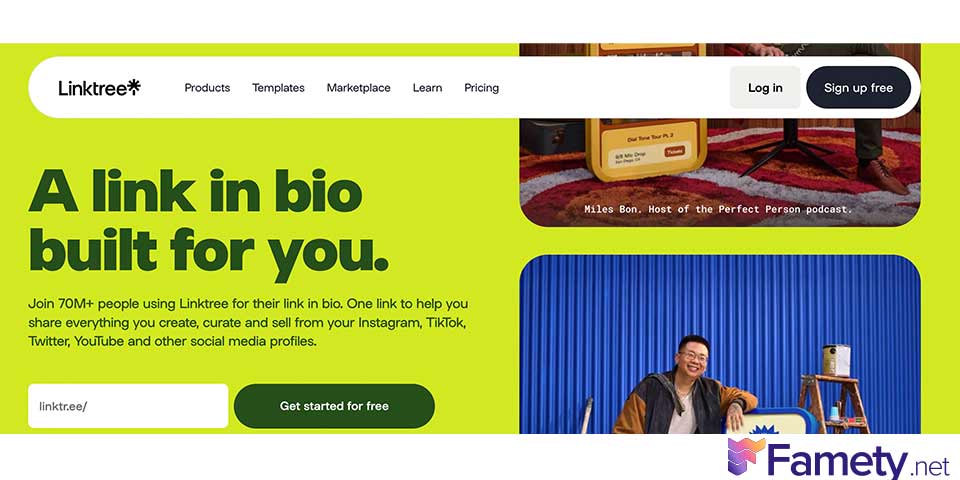
Linktree
Linktree lets you create a mini landing page with multiple links. It provides basic analytics such as:
- Total clicks per link
- Click-through rates
- Geolocation data (on premium plans)
Other alternatives include:
- Beacons
- Lnk.Bio
- Campsite
- Tap.Bio
These are all mobile-friendly and made for Instagram bios.
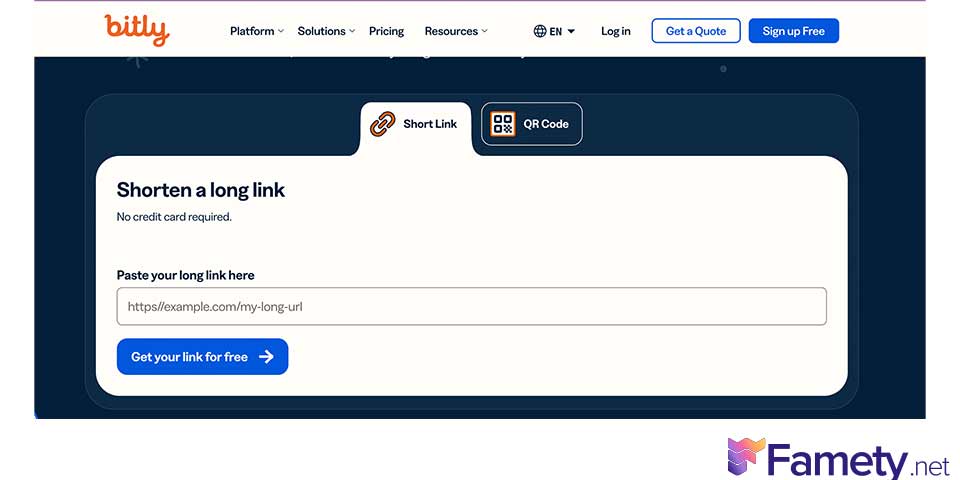
Bitly
Bitly is a URL shortener that tracks click data in real-time. You can use it for:
- Counting total clicks
- Seeing the time of the click
- Tracking device type and location (on advanced plans)
Google Analytics + UTM Parameters
If you’re directing traffic to your website, add UTM tags to your link.
For example:
https://yoursite.com/?utm_source=instagram&utm_medium=bio&utm_campaign=profileclick
Then track performance inside your Google Analytics dashboard. This method helps you:
- Identify Instagram traffic
- Measure conversions
- Understand user behavior
Tracking Links in Stories
If you’re eligible for Instagram Stories links (available to accounts with 10k Instagram followers or verified profiles), you can also track Story link clicks via Insights.
- Number of clicks or swipes up
- Reach and impressions of the Story
It doesn’t reveal who clicked.
Why Tracking Instagram Links Matters
Tracking your Instagram links isn’t just about curiosity, it’s about strategy. Here’s why it’s important:
- Measure ROI from Instagram marketing
- Identify top-performing links and content
- Optimize CTA placement (bio, story, reel captions)
- Understand audience behavior
Can Instagram Ever Show You Individual Clickers?
No. Instagram does not currently offer this functionality, even to business accounts. There’s no native way to see who exactly clicked your link.
Instagram passed 2 billion monthly active users in 2024 and has continued its steady climb through 2025 and into 2026. For creators, brands, and marke...

Templates on Instagram are one of the most efficient ways to create polished, engaging content without starting from scratch every time. Whether you a...
Avoid apps or services that claim to show this, they often violate Instagram’s policies and can put your account at risk.
Final Thoughts
While Instagram won’t show you individual link clickers, there are several safe and smart ways to track performance. Using tools like Linktree, Bitly, and UTM tracking with Google Analytics, you can get valuable insight into how your audience interacts with your profile links.
These insights can help you grow your brand, fine-tune your strategy, and turn clicks into conversions.