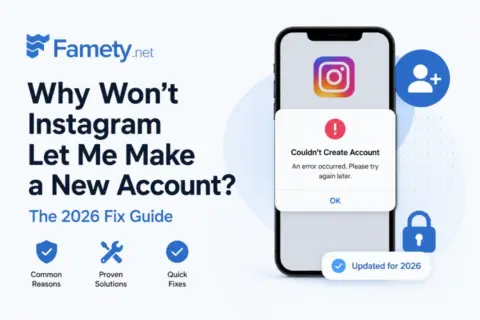
Instagram’s temporary like block is an automated restriction the platform places on accounts that display behavior it interprets as abnormal or unsafe. This block prevents you from liking posts, following accounts, sending messages, or performing other interactions for a limited period. A temporary block usually lasts 24–48 hours and is removed automatically once the system no longer detects suspicious activity.
1. What It Means When Instagram Temporarily Blocks Liking
An Instagram temporary block is a system action that restricts an account when its activity exceeds Instagram’s behavioral limits. Instagram enforces these limits to prevent automated actions, spam, and unsafe account access.
A temporary like block stops you from liking photos, following users, or even blocking someone during the restriction period. Instagram treats extremely fast or high-volume actions as violations. Examples include:
- Liking more than 150 posts per day
- Liking more than 10 posts within one minute
- Following or unfollowing dozens of accounts rapidly
- Repeating the same comment or message across multiple posts
These behaviors signal automation patterns, and Instagram responds with a temporary block to ensure platform safety.
2. Why Instagram Blocks Your Actions
a. Exceeding Daily Action Limits
Instagram assigns every account a set of hourly and daily interaction limits, including limits for likes, follows, comments, and data uploads. Surpassing these thresholds triggers a block.
b. Account Age and Trust Score
A new account (0–3 months old) has a lower trust score, meaning:
- It has stricter limits
- It must grow activity gradually
- Rapid interactions are more likely to trigger a block
Younger accounts need time to build behavioral history.
c. Spamming Posts or Direct Messages
Repeatedly commenting the same message, sending unsolicited DMs, or promoting content aggressively results in spam detection and an action block.
d. Logging in From a New IP or Device
Accessing your account from:
- a new device
- a new IP address
- a VPN
can lead to security checkpoints. If you fail to confirm login attempts with SMS or email verification, Instagram may restrict your actions to protect your account.
Setting up two-factor authentication increases your trust score.
e. Copyright Violations
Instagram removes posts that violate copyright and may block accounts in cases of repeated complaints. You must:
- Share only your own images, or
- Credit the original creator, or
- Obtain permission when using content for commercial purposes
Ignoring copyright rules can lead to content removal and action blocks.
f. Inappropriate Content
Posts containing nudity, sexual content, or violence violate Instagram’s community guidelines. Repeated violations increase the likelihood of action blocks or permanent restrictions.
g. User Reports Against Your Account
If multiple people report your account for spam, inappropriate content, or suspicious behavior, Instagram may temporarily or permanently block your actions.
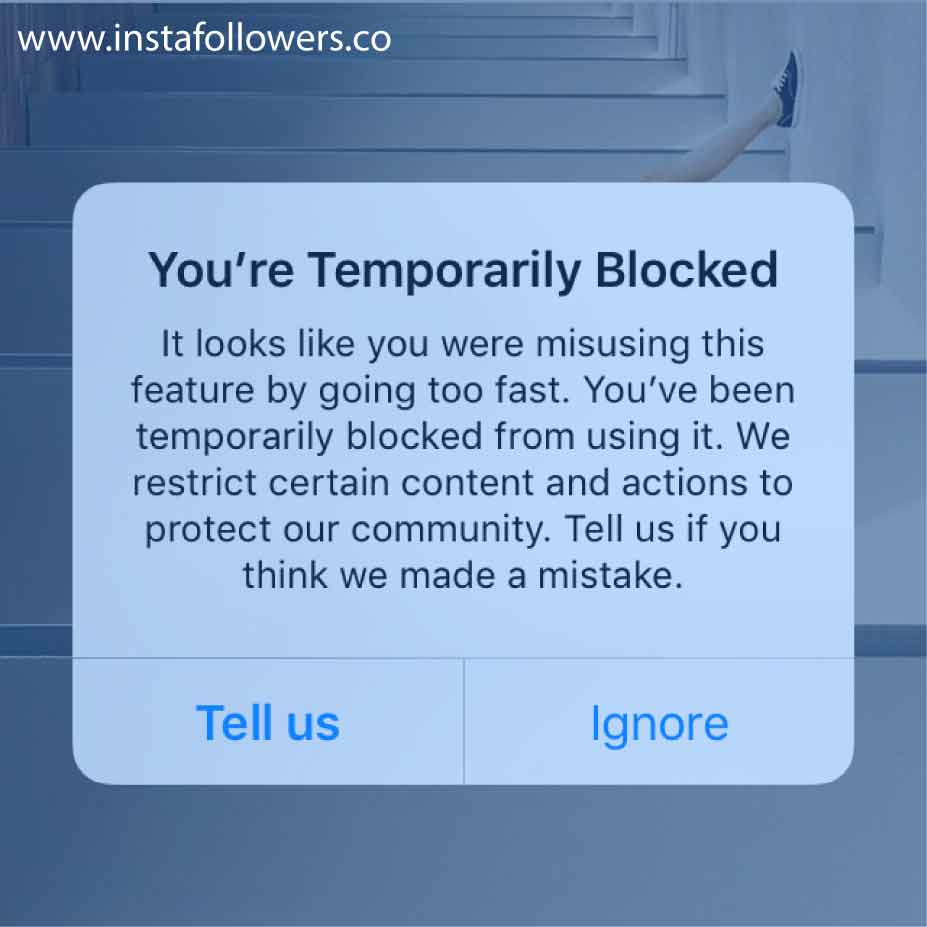
3. How to Fix an Instagram Action Block
Fixing an action block depends on whether the block is temporary (24–48 hours) or a dated restriction (up to 30 days). The following methods help shorten or resolve the issue:
a. Restart the Instagram App
Delete and reinstall the app to clear corrupted cache files that may contribute to temporary blocks.
b. Use the “Report a Problem” Feature
When the “Action Blocked” message appears:
- Tap Tell Us to request a manual review
If the message appears without this option:
- Go to Settings → Help → Report a Problem
- Explain briefly that your account was mistakenly restricted
This helps demonstrate that you are a real user, not a bot.
c. Switch From Wi-Fi to Mobile Data
Instagram may block actions tied to a specific IP address. Changing networks sometimes instantly lifts the restriction.
d. Connect Instagram to Facebook
Linking your Instagram to Facebook or other social accounts increases your account trust score and signals authentic ownership.
e. Log In From a Different Device
Using another phone, tablet, or computer can bypass device-level flags.
f. Wait 24–48 Hours
If nothing works, the safest and most reliable method is not using the app at all during the restriction period. The block automatically expires once Instagram completes its security check.
Can Getting My Likes Restricted Lead to an Explore Ban?
Yes, getting your likes restricted can lead to an Explore ban, because Instagram impressions decrease when the system lowers your account’s trust score. A like restriction signals abnormal or spam-like activity, and Instagram may limit your visibility to protect the platform. When your trust score drops, your posts stop reaching the Explore page, hashtags weaken, and overall instagram impressions fall, reducing your ability to grow organically until the restriction expires.