First, we should see if the site downtime is causing the account temporarily unavailable Facebook problem. You can follow the steps:
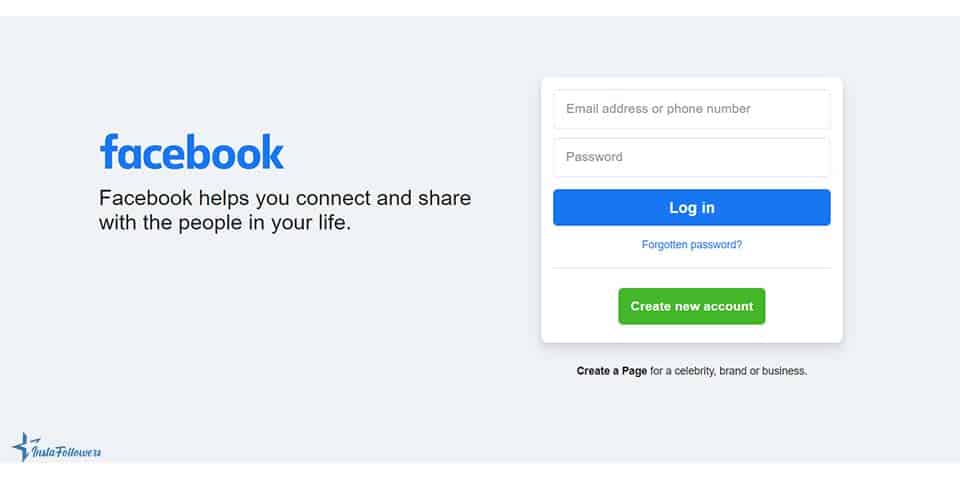
- Open the Facebook website on your browser.
- Check whether the homepage is functioning.
- If you face a problem reaching the homepage, then the issue is from the server.
After a while, the problem will be fixed. Sometimes, downtime can also cause related problems such as the Facebook images not loading issue, since both errors are linked to server-side glitches.
You can also try Facebook likes or Facebook followers for your account after all problems are fixed to enjoy more engagement.
Cookies & Cache
Another reason you face this problem may be due to cookies and cache on your browser. You will have a better experience using Google Chrome or Mozilla Firefox while reaching your Facebook account. If you still have this problem even if you use those browsers, then apply these steps:
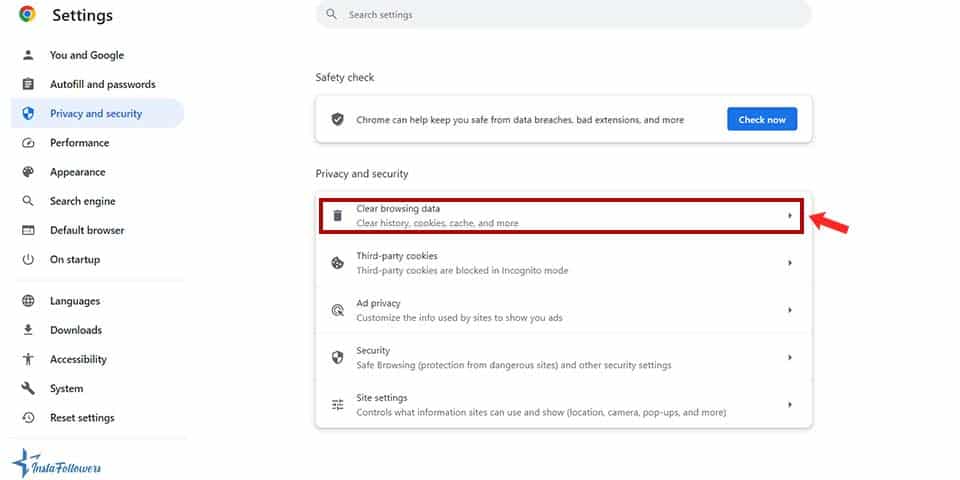
- Open your browser and find cookies from the “Settings” section.
- Delete all the cookies and cache.
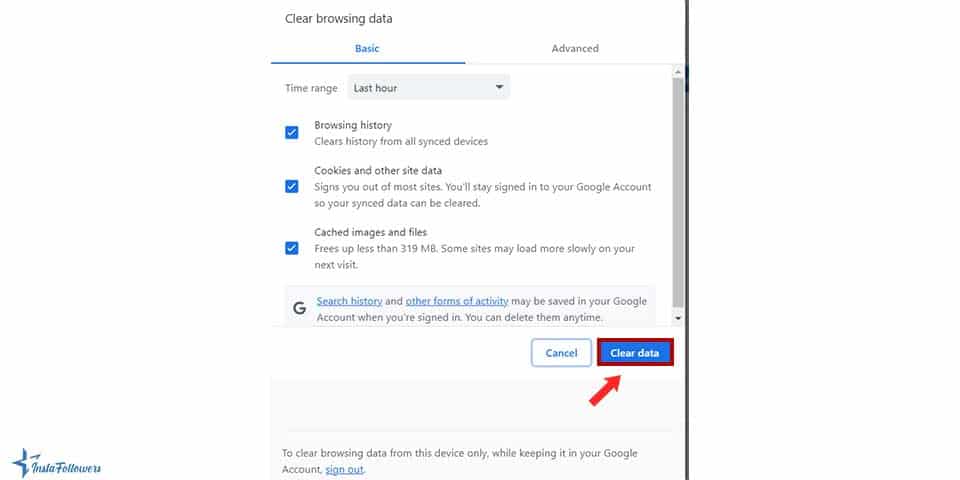
- Restart, and try logging in again.



That should work for this problem. If clearing cache and cookies doesn’t work, the error may appear together with other glitches like the Facebook attachment unavailable error, which is also often tied to privacy or temporary system bugs.
You can also check the Facebook Help Center for more information.
Concluding on How to Fix Facebook Account Temporarily Unavailable Issue
It is generally not common but also not impossible to have a temporarily unavailable status on Facebook. It may be due to downtime from the server or cookies and cache on your browser. However, it is straightforward to fix this problem. Today, we tried to help you solve the your account is temporarily unavailable problem. First, you should check whether the problem is from the server, and to do this, you can just try to reach the homepage on your browser. If it is not the server, then you can delete cookies and cache and retry. We hope this article was helpful. Sometimes these temporary restrictions are triggered by unusual activity, very similar to cases where you can’t add someone on Facebook because of system limits or security policies.