- Instagram may block account creation due to IP bans, device history, app bugs, or reused signup info.
- You can only create up to five Instagram accounts per device, exceeding this can trigger errors.
- Turning off VPNs, clearing cache, and switching networks often help solve the issue quickly.
- Use new, verified contact details and avoid bots or suspicious activity for a successful signup.
Trying to create a new Instagram account and hitting roadblock after roadblock? You’re not alone. Many users report being blocked from signing up, even after entering valid info and following every step correctly. If Instagram won’t let you make a new account, there are several possible reasons. This guide breaks down every common issue and gives you practical, working solutions.
- Invalid or blocked username.
- Poor internet connection.
- Blocked device and mobile number.
- Blocked email address.
- Instagram-related issues.
- Using an unreliable VPN.
Besides these issues, you can’t also create an Instagram account if you try to open multiple Instagram accounts from the same device.



Common Reasons You Can’t Create a New Instagram Account
There’s no one-size-fits-all answer here. Instagram uses many invisible systems to detect suspicious or spammy activity, and sometimes legit users get caught in the middle.
Here are the top reasons Instagram might block you from creating a new account.
You’re Using the Same Device or IP as a Banned Account
If a previous account was banned for violating Instagram’s terms, the device or IP used might also be flagged. Instagram may prevent new sign-ups from that device as a safety measure.
Try switching to a different Wi-Fi network or using mobile data. You can also use a different phone or browser.
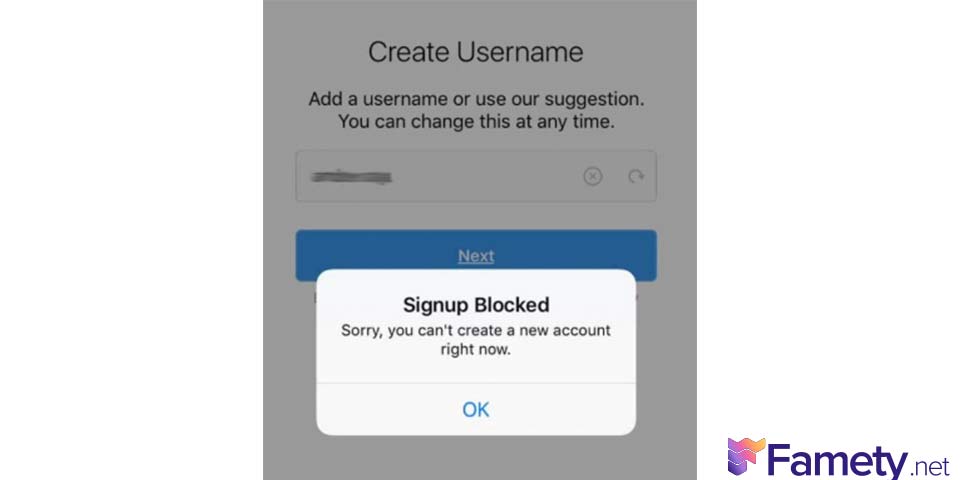
You’ve Hit the Account Creation Limit
Instagram lets you create up to five accounts per device or email. Trying to go beyond that might result in a block, even if you use a new username or phone number.
Log out of existing accounts, and consider removing one. Try signing up from a clean browser in incognito mode.
The App Has a Glitch or Cache Issue
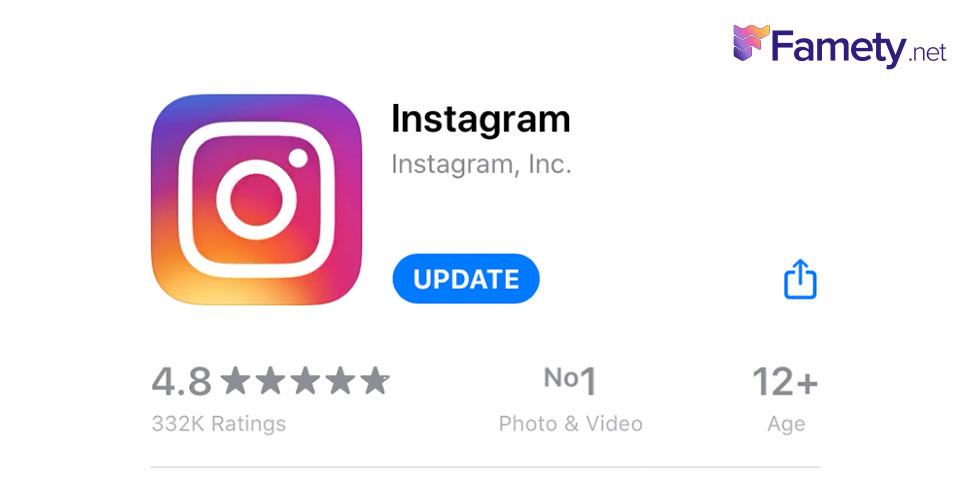
Sometimes, the issue is just the app itself. A buggy version or corrupted cache can block you from registering.
- Update your Instagram app to the latest version
- Clear app cache (Android) or uninstall/reinstall the app
- Try signing up through the browser version of Instagram instead of the app
Incorrect or Reused Info During Signup
Using a phone number or email already linked to another account can trigger a failure. Typos in email or number entries can also stop the process.
Use a brand-new email and double-check every field for errors before hitting “Next”.
Network or VPN Issues
VPNs are great for privacy, but they can confuse Instagram’s security systems. Some VPN IPs are shared among many users, and that can look suspicious to Instagram.
Turn off your VPN. Restart your router to refresh your IP. Use a reliable connection during signup.
You’re Blocked Due to Suspicious Behavior
If Instagram suspects you’re automating the account creation process or using bots, it may shadowban your activity or block registrations.
- Wait 24-48 hours before trying again
- Avoid using automated tools or emulators
- Don’t rush the signup process act like a real user
App Conflicts or Phone Configuration
Some Android users report that security settings or third-party apps (like cloned apps) interfere with Instagram registration.
- Disable app cloners or dual apps if enabled
- Try from another user profile or factory-reset device (only if necessary)
Tips to Successfully Create a New Instagram Account
If you’ve run into issues before, follow these steps for a clean setup.
- Use a new email address and strong password
- Turn off your VPN and use a stable internet connection
- Open Instagram in incognito mode via browser
- Complete CAPTCHA without refreshing
- Set up the account slowly, filling each detail carefully
- Avoid following too many accounts or uploading too fast right after signup
What If Nothing Works?
If you’re still blocked after trying everything;
- Wait at least 72 hours before retrying
- Contact Instagram Help Center
- Consider creating the account on a friend’s phone or network
- Use a verified email and phone number to increase trust
Final Thoughts
Instagram account creation issues can be frustrating, but most of the time, the solution is simpler than you think. Whether it’s a network-related error, account limit, or app issue, you can resolve the problem by following the right steps.
A TikTok video sits at 0 views for one of six reasons: it is still in TikTok's automated review (usually clears in 5 to 30 minutes), the video was fla...
Instagram usually blocks a new account for one of six reasons: you already have 5 accounts linked to the same email or phone number, you have 5 accoun...
Remember, avoid bots, don’t rush, and use unique login credentials. With a bit of patience and the right approach, you’ll be able to set up a fresh Instagram profile and gain followers in no time.