If you’ve ever found yourself wondering, does Twitter show who viewed your profile, you’re definitely not alone. With social platforms becoming central to networking, marketing, and personal branding, it’s natural to want to know who’s checking out your content.
Here’s the short answer: No, Twitter does not show you who viewed your profile. The platform doesn’t provide this information not through the app, browser, or even its analytics tools. While this may be disappointing to some, it’s a deliberate choice that ties directly into Twitter’s privacy policies and platform philosophy.
In this guide, we’ll break down what Twitter does show, what it doesn’t, and what you can do instead to understand and boost your profile engagement.
What Does ‘Profile Views’ Mean on Twitter?
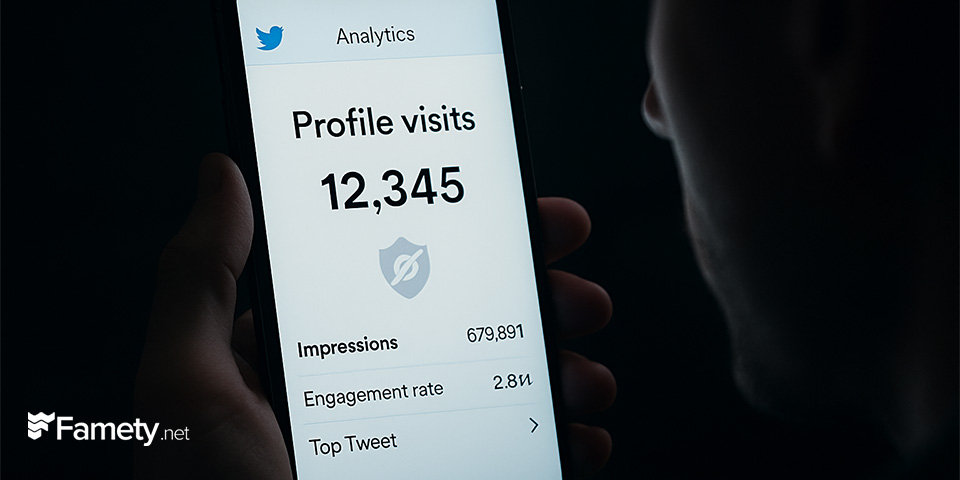
While you can’t see who viewed your profile, you can still track Twitter profile views in terms of total numbers. Twitter offers a feature called Twitter Analytics, which provides an overview of how your content performs including how many times people have visited your profile.
Here’s how profile views on Twitter work:
- They represent the total number of times users clicked on your profile within a given time frame.
- This data is anonymous you’ll never see who viewed you, only how many times it happened.
This is helpful for understanding how well your tweets, replies, or external promotions are driving traffic to your profile. However, it’s still limited compared to platforms like LinkedIn, which sometimes show you individual profile viewers (depending on your account settings).
Why Doesn’t Twitter Show Who Viewed Your Profile?
This limitation can be frustrating, but it’s by design. Twitter privacy settings are built on openness and simplicity. Here are some reasons the platform withholds profile view data:
1. Commitment to User Privacy
Twitter allows users to browse, read, and engage with content anonymously. Revealing viewer identities could discourage open engagement and passive following.
2. Comparison with LinkedIn
LinkedIn provides limited visibility into who has viewed your profile but that’s because its primary function is professional networking. Twitter, on the other hand, focuses more on real-time public conversation, and less on individual connections.
3. User Experience Consistency
Showing profile views would likely spark obsession with tracking who’s watching turning the app into a numbers game. Twitter wants its users to focus on content, not metrics that may feel invasive or anxiety-inducing.
So while LinkedIn shows profile viewers, Twitter does not, and this reflects a difference in platform values and use cases.



Can Third-Party Apps Reveal Who Viewed Your Twitter Profile?
Short answer: No and you should avoid any apps claiming otherwise.
Numerous third-party apps and websites promise to show who visited your Twitter profile, but these tools are not supported by Twitter’s official API.
Here’s why they’re unreliable and potentially dangerous:
- Twitter’s API doesn’t include viewer data. There’s no backend data they can access to deliver on their claims.
- These apps often request sensitive account permissions, such as reading DMs or posting on your behalf.
- In some cases, they’re used to harvest data or inject malware.
If an app asks for your Twitter login credentials in exchange for access to profile viewer data run. Your best bet is to rely on official Twitter analytics for legitimate insights.
How to Check Your Twitter Profile Visit Count
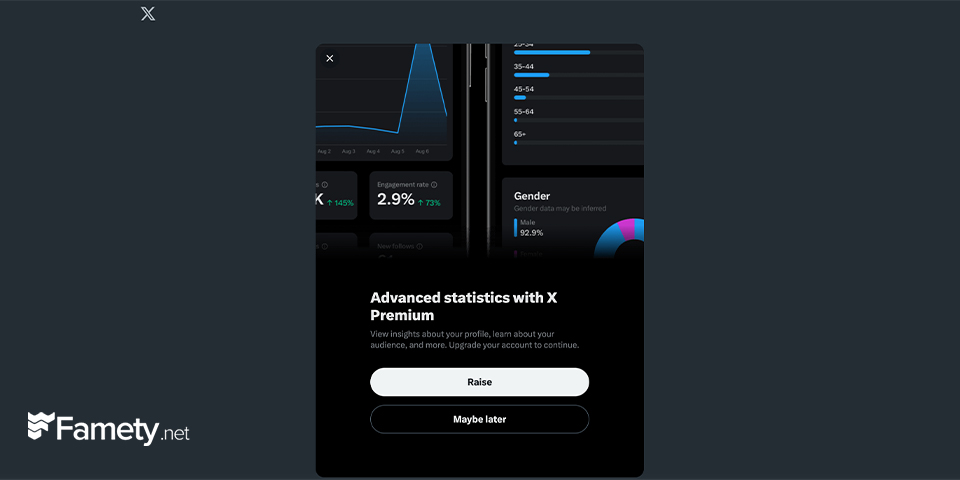
Although you can’t see who viewed you, you can still check how many people did. Here’s how to use Twitter Analytics:
- Log into your Twitter account from a desktop browser.
- Go to analytics.twitter.com
- Click “Tweets” in the top navigation bar.
- In the summary panel on the right, look for “Profile visits” this shows how many times users have viewed your profile in the last 28 days.
This simple dashboard is available for all Twitter users you don’t need a business or professional account. Although it won’t give you names, it’s a reliable way to track growth and visibility over time.
Tip: Track spikes in visits and correlate them with specific tweets or replies to see what’s attracting attention.
Understanding Twitter’s Privacy Settings
Your Twitter privacy settings determine how much others can see and interact with your profile but not the other way around. Here’s a breakdown:
Public Profile:
- Anyone can view your tweets, media, and profile details.
- Profile visits can come from search engines, retweets, replies, or third-party embeds.
Private Profile:
- Only approved followers can see your tweets and interact with your content.
- Limits your reach, but offers more control over visibility.
To adjust privacy settings:
- Go to Settings and Privacy > Privacy and Safety.
- Toggle “Protect your Tweets” to make your account private.
- You can also limit who can tag you in photos, message you, or see your likes.
These settings won’t show you who visited your profile but they give you tools to control who can access your content.
Tips for Enhancing Your Twitter Profile Engagement
Instead of worrying about who viewed your Twitter profile, focus on increasing meaningful engagement. Here are some effective strategies:
1. Post Consistently
Tweet 1–3 times a day to stay active and relevant. Share a mix of thoughts, questions, industry news, or personal insights.
2. Use Relevant Hashtags
Hashtags like #TwitterTips, #SocialMediaMarketing, or #Crypto (depending on your niche) help you appear in search results and trending topics.
3. Engage Authentically
Reply to other users, retweet interesting content, and comment thoughtfully. Twitter engagement is a two-way street the more you give, the more you get.
4. Pin a Strong Tweet
Your pinned tweet is the first thing visitors see. Use it to showcase your best content or drive traffic to another platform.
Twitter (X) remains a powerful force in digital marketing with over 500 million monthly active users in 2026, thriving through real-time engagement, n...

X (formerly Twitter) has had an AI assistant built directly into the platform since 2023. That assistant is Grok, developed by xAI, and it sits inside...
When you focus on building relationships and sharing value, profile visits will naturally increase even if you can’t track who those viewers are.
While Twitter won’t tell you who’s visiting your profile, some users choose to get more Twitter follower with famety as a way to increase their visibility and attract organic engagement more quickly.